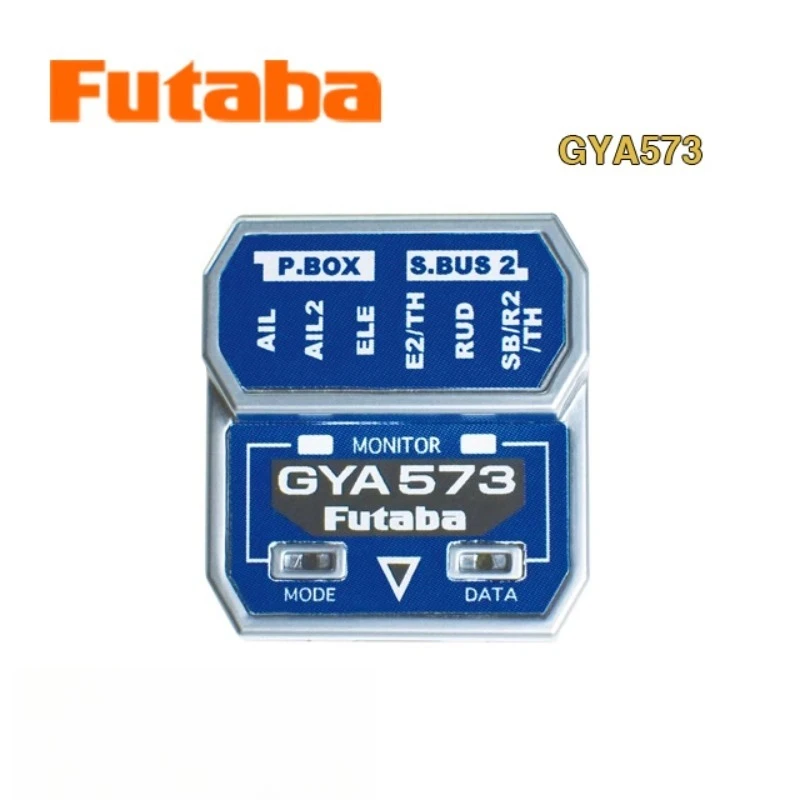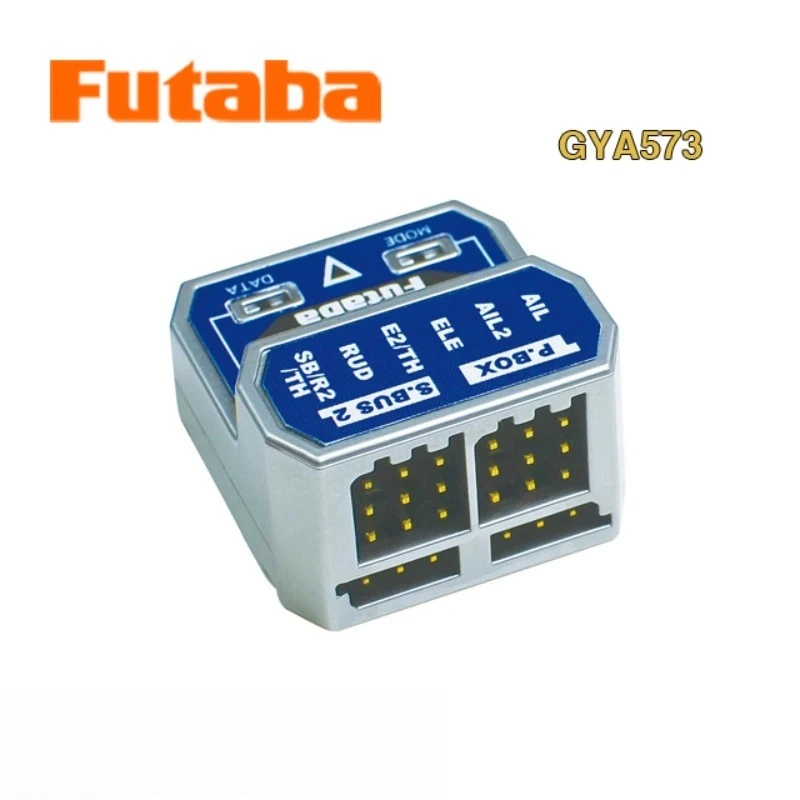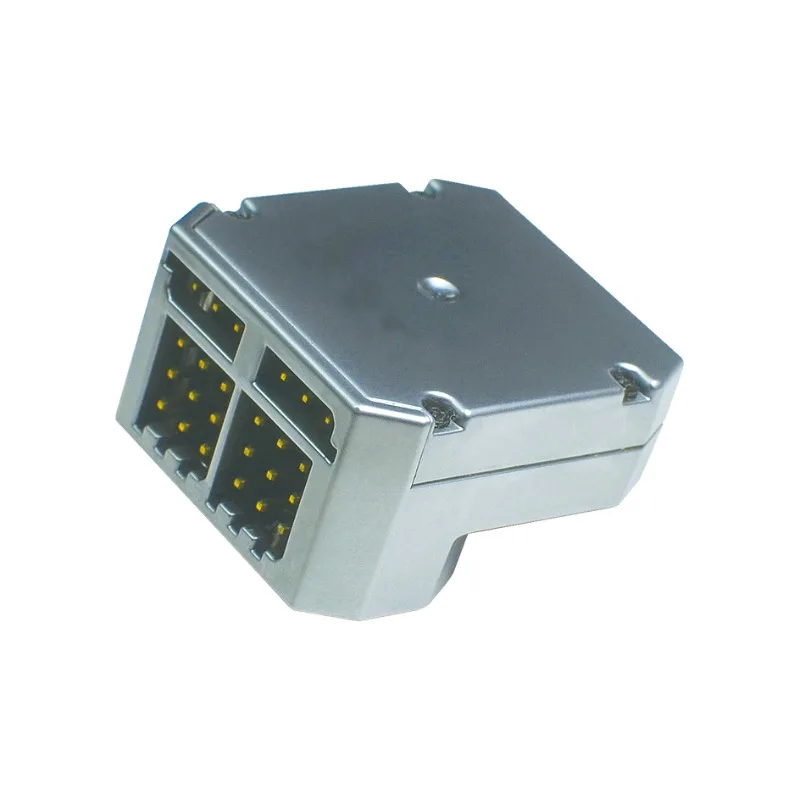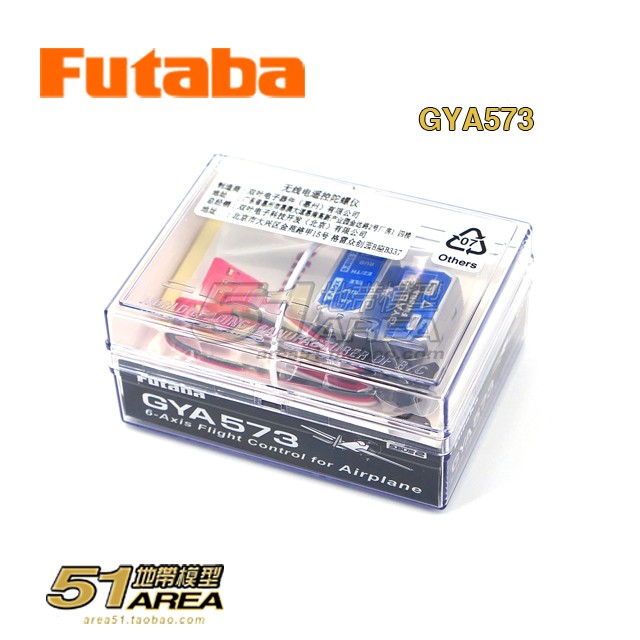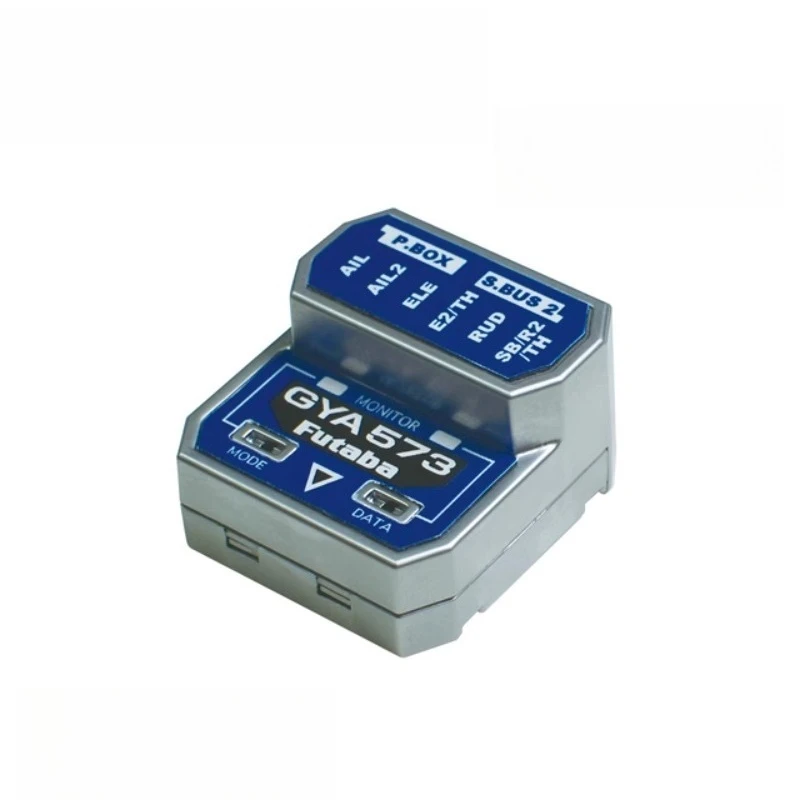
FUTABA GYA573 6-axis Gyroscope Supports Wireless Parameter Adjustment for Fixed-wing Motors and Oil Engines2
Description
GYA573 adds roll axis·horizontal function (vertical axis single axis horizontal flight maintenance function) and air brake·mixed control, wing·mixed control function. In addition, it is equipped with automatic level recovery function, which can provide stability assistance for novice players and is a must-have operation skill. It also supports 4D flight function, and the competitive level precision control meets the needs of master players, achieving comprehensive coverage of all levels.
Product Features
6-axis gyro for fixed-wing (applicable to electric/oil motors) Size/weight: 28x26x16mm/8.5g Operating voltage: DC3.8V~8.4V Current consumption: 27mA
※ GYA573 only supports remote controllers with more than 10CH and S.BUS receivers
Functional introduction
3-axis angular velocity & acceleration sensor
Set gyro gain on the remote controller (remote sensing gain setting)Automatic level recovery function: quickly stabilize the fuselage when the aircraft attitude is about to lose control
The remote controller can switch between 4 action modes: AVCS/normal/gyro off/automatic level recovery function/roll axis level
Corresponding to dual ailerons, dual elevators, dual rudders, elevator ailerons (delta wing), V-tail
Support 4D flight (for details, please refer to the 4D flight kit page on the FUTABA official website)
Connect to the receiver S.BUS/S.BUS2 interface for simple wiring
E2/TH interface can select 2nd RUD (RUD2)/CH3 (THR)/S.BUS output
Gyro control 3rd AIL (AIL3) and 4th AIL (AIL4) can be selected in S.BUS output
When used with DLPH-2, even large fixed-wing aircraft that require powerful power support can obtain stable and reliable power guarantee. T32MZ/WC, T26SZ, T16IZ/S support remote control to set gyro parameters
Support air brake and mixed control settings (AIL/AIL2/AIL3/AIL4/ELE/EL
2
*Cannot be used simultaneously with the remote control's air brake and mixed control function
*Even if the ratio setting is the same as the remote control, the actual servo travel will be different
Wing type mixed control setting (AIL/AIL2/AIL3/AIL4/ELE/EL2)
*Cannot be used simultaneously with the remote control's wing type mixed control function
*Even if the mixing ratio is the same as the remote control setting, the actual servo travel may still be different
Support FASSTest 26CH S.BUS input/output
Roll axis horizontal function When the aileron stick returns to the center and meets the preset conditions (※Note), the gyro can keep the aircraft's longitudinal axis in a horizontal attitude. When landing, the longitudinal axis correction burden is reduced, allowing the pilot to focus on the elevator and throttle control. In addition, it helps to keep the wings level, which is helpful for aerial attitude training.
*Note: The horizontal axis (elevator direction) is within the range of ±60° and the roll angle meets the preset
Notes on servo selection
1. Please use FUTABA S.BUS2 corresponding servos
- Servos that only support S.BUS and servos that do not support S.BUS/S.BUS2 cannot use the S.BUS2 connection method. Please connect the servos to the corresponding interfaces of the gyroscopes respectively
Specifications
| Option | Values |
|---|---|
| Type |
|
Product Details

GYA573 adds roll axis·horizontal function (vertical axis single axis horizontal flight maintenance function) and air brake·mixed control, wing·mixed control function. In addition, it is equipped with automatic level recovery function, which can provide stability assistance for novice players and is a must-have operation skill. It also supports 4D flight function, and the competitive level precision control meets the needs of master players, achieving comprehensive coverage of all levels.
Product Features
6-axis gyro for fixed-wing (applicable to electric/oil motors) Size/weight: 28x26x16mm/8.5g Operating voltage: DC3.8V~8.4V Current consumption: 27mA
※ GYA573 only supports remote controllers with more than 10CH and S.BUS receivers
3-axis angular velocity & acceleration sensor
Set gyro gain on the remote controller (remote sensing gain setting)Automatic level recovery function: quickly stabilize the fuselage when the aircraft attitude is about to lose control
The remote controller can switch between 4 action modes: AVCS/normal/gyro off/automatic level recovery function/roll axis level
Corresponding to dual ailerons, dual elevators, dual rudders, elevator ailerons (delta wing), V-tail
Support 4D flight (for details, please refer to the 4D flight kit page on the FUTABA official website)
Connect to the receiver S.BUS/S.BUS2 interface for simple wiring
E2/TH interface can select 2nd RUD (RUD2)/CH3 (THR)/S.BUS output
Gyro control 3rd AIL (AIL3) and 4th AIL (AIL4) can be selected in S.BUS output
When used with DLPH-2, even large fixed-wing aircraft that require powerful power support can obtain stable and reliable power guarantee. T32MZ/WC, T26SZ, T16IZ/S support remote control to set gyro parameters
Support air brake and mixed control settings (AIL/AIL2/AIL3/AIL4/ELE/EL
2
*Cannot be used simultaneously with the remote control's air brake and mixed control function
*Even if the ratio setting is the same as the remote control, the actual servo travel will be different
Wing type mixed control setting (AIL/AIL2/AIL3/AIL4/ELE/EL2)
*Cannot be used simultaneously with the remote control's wing type mixed control function
*Even if the mixing ratio is the same as the remote control setting, the actual servo travel may still be different
Support FASSTest 26CH S.BUS input/output
Roll axis horizontal function When the aileron stick returns to the center and meets the preset conditions (※Note), the gyro can keep the aircraft's longitudinal axis in a horizontal attitude. When landing, the longitudinal axis correction burden is reduced, allowing the pilot to focus on the elevator and throttle control. In addition, it helps to keep the wings level, which is helpful for aerial attitude training.
*Note: The horizontal axis (elevator direction) is within the range of ±60° and the roll angle meets the preset
Notes on servo selection
1. Please use FUTABA S.BUS2 corresponding servos
2. Servos that only support S.BUS and servos that do not support S.BUS/S.BUS2 cannot use the S.BUS2 connection method. Please connect the servos to the corresponding interfaces of the gyroscopes respectively