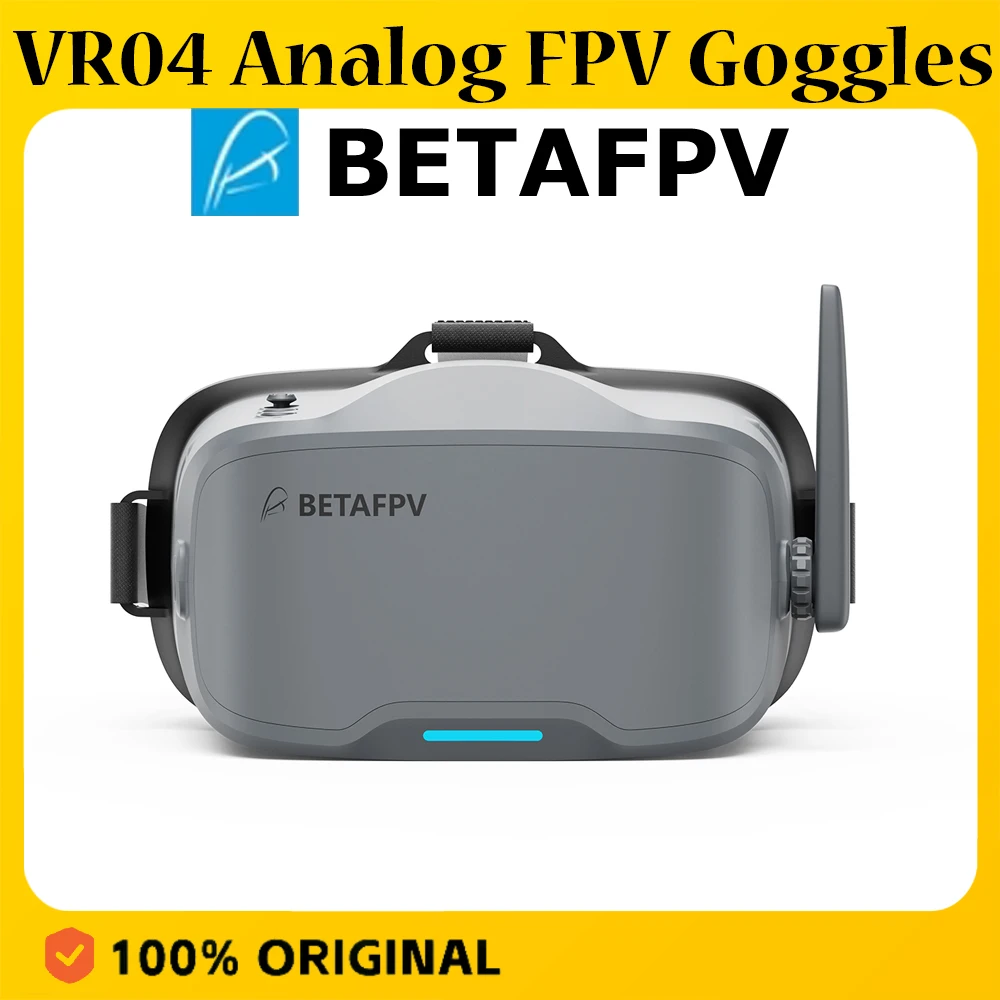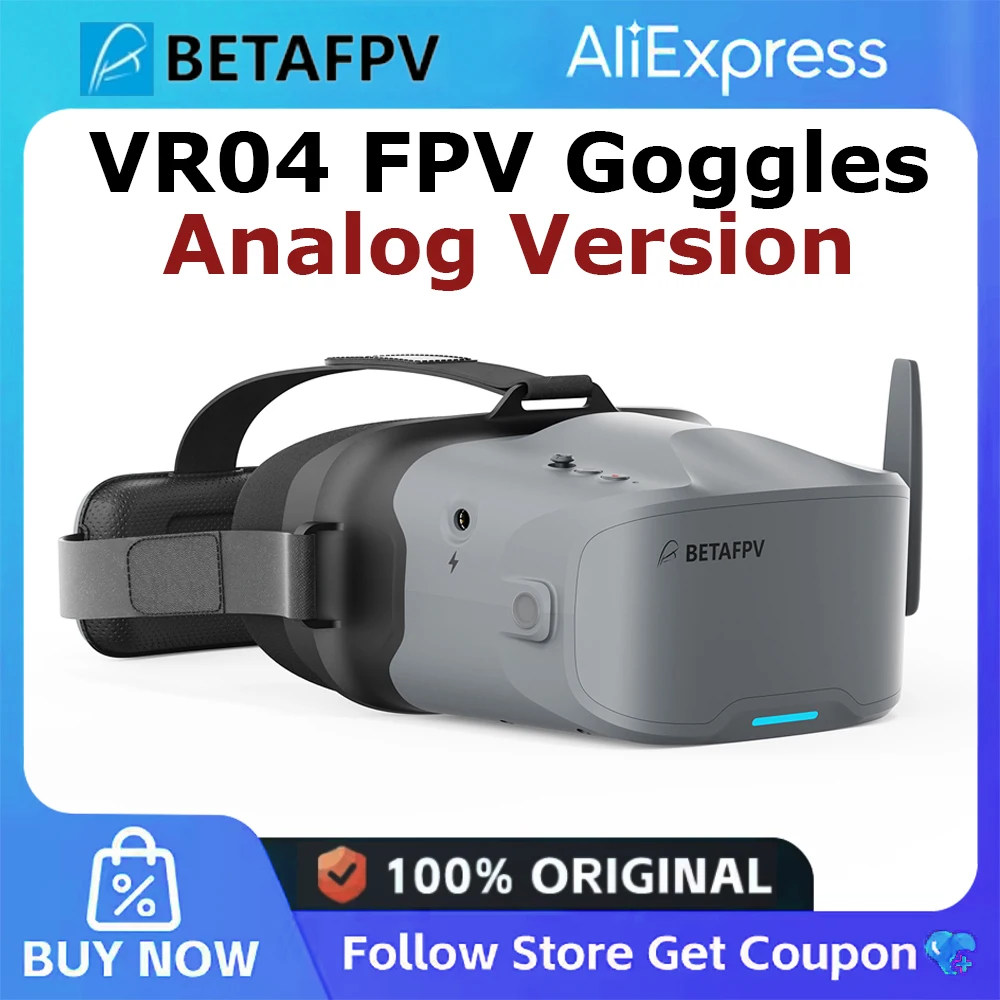
BETAFPV VR04 FPV Goggles Analog Version 4.3 inch 800*480 Resolution with Built-in 2000mAh Battery New
Description
Designed for total immersion and comfort, the VR04 FPV Goggles feature a glasses-friendly design with ample space, so you never have to remove your eyewear. Enhanced with contoured face padding and a soft rubber nose bridge, they block outside light effectively while fitting securely for longer, more focused sessions. The 2000mAh built-in battery provides up to 2 hours of standby time, while one-button recording lets you effortlessly capture footage directly to a microSD card and relive your flights anytime.
Bullet Points
Glasses-Friendly Fit: Spacious interior lets you wear your glasses comfortably while flying.
Full Light-Blocking Design: Contoured face padding and a soft nose bridge seal out glare for total immersion.
2000mAh Built-in Battery: Supports up to 2 hours of continuous use and can be conveniently powered by any 2–6S whoop batteries.
One-Button Recording: Instantly capture smooth footage directly to the goggles with a single press.
Notes:
- After pressing the record button, the DVR recording function will take about 8-10 seconds to be activated, please wait in patience.
- The maximum length of each recording is 10 minutes. When a recording exceeds 10 minutes, a new recording file will be created automatically.
The VR04 FPV Goggles support 5.8G and 48 channels. Press and hold the 5D button for 2-3 seconds to activate frequency search. There will be a beep after 3 seconds, and the best available frequency will be selected automatically. Signal quality of each frequency is indicated by red, yellow and green.
Green (0<RSSI<20): Frequency is available.
Yellow (20<RSSI<70): Frequency has moderate interference from another transmitter.
Red (70<RSSI): Frequency is completely in use by a transmitter.
White: The strongest signal which the goggles received in this scan.
Package
1 * VR04 FPV Goggles
1 * Adjustable Headband
1 * User Manual
Specifications
| Option | Values |
|---|---|
| Size |
|
| Brand |
|
| Type |
|
| Application |
|
Product Details
Designed for total immersion and comfort, the VR04 FPV Goggles feature a glasses-friendly design with ample space, so you never have to remove your eyewear. Enhanced with contoured face padding and a soft rubber nose bridge, they block outside light effectively while fitting securely for longer, more focused sessions. The 2000mAh built-in battery provides up to 2 hours of standby time, while one-button recording lets you effortlessly capture footage directly to a microSD card and relive your flights anytime.

Bullet Points
Glasses-Friendly Fit: Spacious interior lets you wear your glasses comfortably while flying.
Full Light-Blocking Design: Contoured face padding and a soft nose bridge seal out glare for total immersion.
2000mAh Built-in Battery: Supports up to 2 hours of continuous use and can be conveniently powered by any 2–6S whoop batteries.
One-Button Recording: Instantly capture smooth footage directly to the goggles with a single press.
Specifications
Size: 168.8x182.1x98.5mm
Weight: 425g±10g
Video Format: NTSC/PAL
Supported Channel: 48CH
Screen Size: 4.3 inch
Screen Resolution: 800*480
Battery: 3.7V, 2000mAh
Runtime: About 2 hours in normal mode, about 1 hours in recording mode
Antenna Port: RP-SMA
Charging Port: Type-C
Card Slot: MicroSD card (Not included), Supports FAT32 system, maximum 64GB storage
Recording Resolution: 480P@30fps
Video Format: AVI
Diagram

Total Immersion & Comfort
The VR04 FPV Goggles are designed for extended-wear comfort, featuring a glasses-friendly interior that accommodates most eyewear. Premium PU face padding ensures a secure, comfortable fit, while a soft silicone nose bridge seals out external light to deliver a fully immersive flight experience.

Power Flexibility
Equipped with a built-in 2000mAh battery, the VR04 supports up to 2 hours of use on a single charge. For added flexibility, it can also be powered directly by any 2‑6S whoop battery—ideal for extended sessions or quick-swap setups.

Record & Replay
Capture each flight effortlessly with one-button recording directly to a microSD card (supports up to 64GB of storage). Relive your most thrilling moments anytime, with no extra gear required.

How to Record A Video?
Insert a microSD card into the card slot, FAT32 format only and maximum 64G;
Short press the record button once, a red dot will appear in the upper left corner. Then there will be a "beep-beep" sound from FPV goggles;
Wait for 8 seconds, the red dot and the recording LED indicator will start flashing. At the same time, a timer appears on the screen, indicating the start of recording;
To stop the recording, short press the record button once again. After 2-3 seconds, the red dot on the upper left corner stop flashing, the timer disappears, and the red record LED indicator turns off.
Notes:
1. After pressing the record button, the DVR recording function will take about 8-10 seconds to be activated, please wait in patience.
2. The maximum length of each recording is 10 minutes. When a recording exceeds 10 minutes, a new recording file will be created automatically.
The VR04 FPV Goggles support 5.8G and 48 channels. Press and hold the 5D button for 2-3 seconds to activate frequency search. There will be a beep after 3 seconds, and the best available frequency will be selected automatically. Signal quality of each frequency is indicated by red, yellow and green.
Green (0<RSSI<20): Frequency is available.
Yellow (20<RSSI<70): Frequency has moderate interference from another transmitter.
Red (70<RSSI): Frequency is completely in use by a transmitter.
White: The strongest signal which the goggles received in this scan.
Package
1 * VR04 FPV Goggles
1 * Adjustable Headband
1 * User Manual